What should a kennel website have? A checklist
Twelve things a buyer checks on a kennel website before getting in touch, from the kennel name and pedigrees to the link preview on Facebook. With a checklist to tick off at the end.
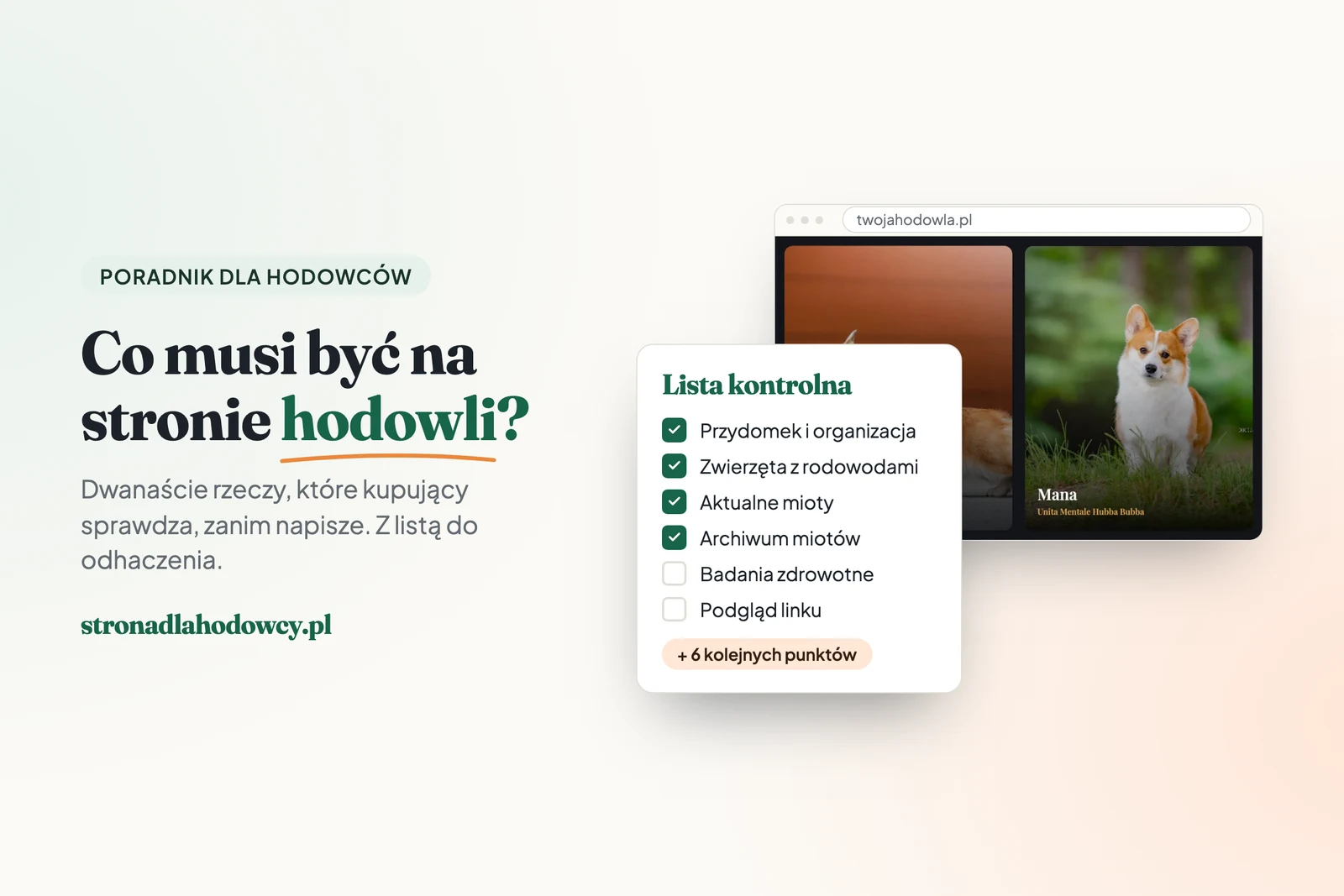
A buyer who lands on a kennel website has one question in mind: can I trust this person? They look for the answer in a few particular places, in a fairly predictable order. Below is what I check on other kennels’ websites myself, and what people ask us at Numenor Valar before they join the list for a corgi puppy. The list works for dog, cat and horse breeders alike.
The basics: where a buyer starts
1. Kennel name and registry
The kennel name, the breed and the organisation the kennel is registered with: ZKwP and the FCI, FIFe, WCF, or for horses a studbook such as PZHK. Ideally on the first screen of the home page, in one sentence.
2. Breeding animals, each on a page of its own
Name with the kennel prefix, date of birth, photos, a description of temperament and a three-generation pedigree. A buyer wants to meet the parents before asking about the young.
3. Current litters and announcements
The parents, the date of birth or the expected date, photos of the young, and whether the waiting list is still open. This is the page every post about the litter links to.
4. A litter archive
Every previous litter with its parents and photos. It is the best evidence of experience you have, and the answer to a question that comes up in almost every conversation.
5. Contact
Phone, email or a form, and your town or region. It helps to add when you are easiest to reach by phone and how long a reply usually takes.
Trust: what makes someone get in touch
6. Health tests
The ones relevant to your breed, with the result and the date, next to the animal concerned. For many dog breeds that means hip and elbow X-rays (HD, ED); for some cat breeds, a heart scan for HCM and a PKD test. A scan of the result beside the description says more than the words “parents health tested”.
7. Titles and show results
Next to the animal that won them: title, show, year. Ring photos look good alongside, in its gallery.
8. Everyday life at the kennel
Photos from the house, the garden, a walk, the paddock. A few sentences about who you are and why this breed. A buyer wants to see where their animal will spend its first weeks.
9. What a new owner receives
Contract, pedigree, health record or passport, vaccinations, microchip, starter pack, support after collection. Plus your reservation rules. As a permanent page, it answers half the questions in Messenger before anyone asks them.
Under the hood: what a buyer feels without seeing
10. Phones
Most people will open the site on a phone, often from a link on Facebook. The menu fits on the screen, the photos are sharp, and the phone number can be tapped to call.
11. Speed and link previews
The site opens within a few seconds even on a weak signal, because photos are scaled to the size they are shown at. A link pasted into Facebook or Messenger shows a photo, a title and a description. I described how to check that in test 3 of the previous guide.
12. Privacy policy and cookie consent
If the site has a contact form or visitor statistics, it needs a privacy policy and a cookie consent window. GDPR and the cookie rules require them, and a buyer reads them as a sign of a well-kept site.
Two things worth rethinking
The price of the young in a banner on the home page. A buyer then starts by comparing figures. A page with your reservation rules works better, with the price next to what it covers: the parents’ health tests, vaccinations, pedigree, care after collection.
A gallery of four hundred uncaptioned photos. Photos work best next to the animal and the litter they show. Keep a few dozen of the best in the gallery, captioned: who, where, when.
The checklist
Kennel name, breed and registry on the first screen.
Every breeding animal on a page of its own, with a pedigree.
Current litters and announcements.
An archive of previous litters.
Contact: phone, email or form, region.
Health test results next to the animals.
Titles and show results next to the animals.
Everyday photos and a few sentences about you.
What a new owner receives, and reservation rules.
Comfortable on a phone.
Fast, with a link preview on Facebook.
Privacy policy and cookie consent.
How I do it
I build websites for dog, cat and horse breeders on the same system the Numenor Valar website runs on. Each of these twelve points has its place in it: animals with pedigrees, litters with an archive, pages of your own, link previews and a privacy policy. You fill in the content yourself, in the panel. See what the packages include.