Demo: a kennel site to look through
This is how your kennel’s website could look. Below: a demo kennel to look through, and a film of the panel you run it from.
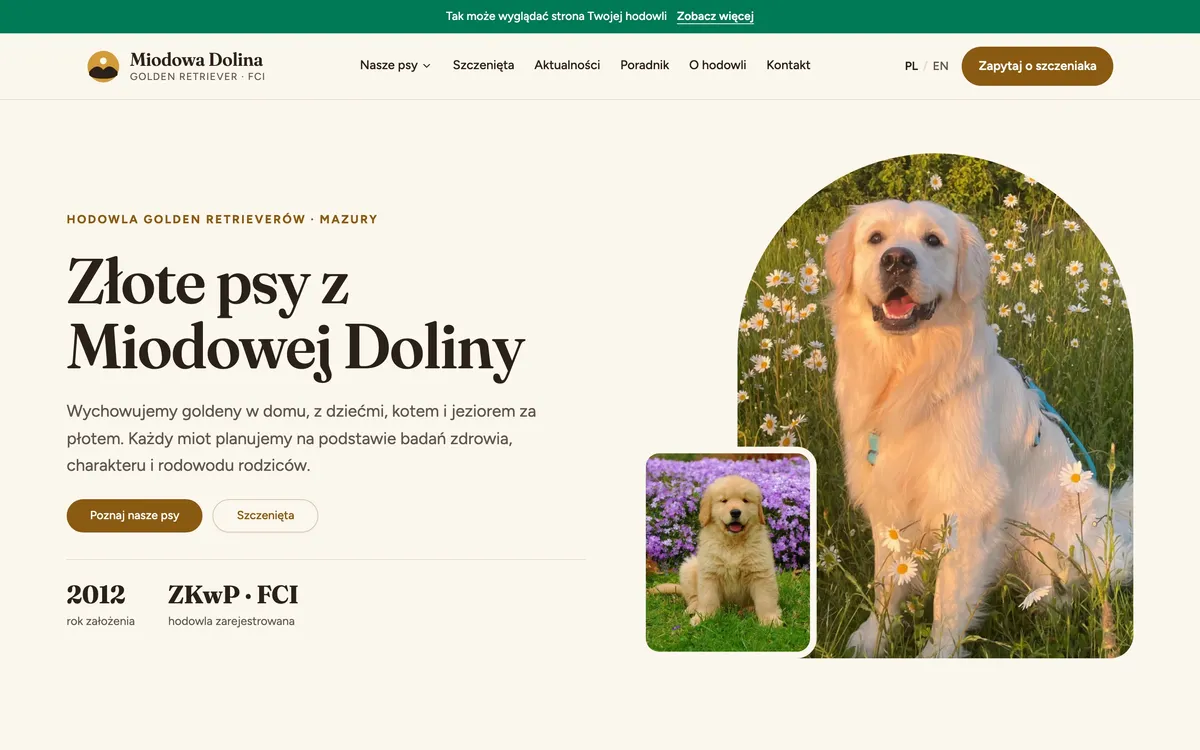
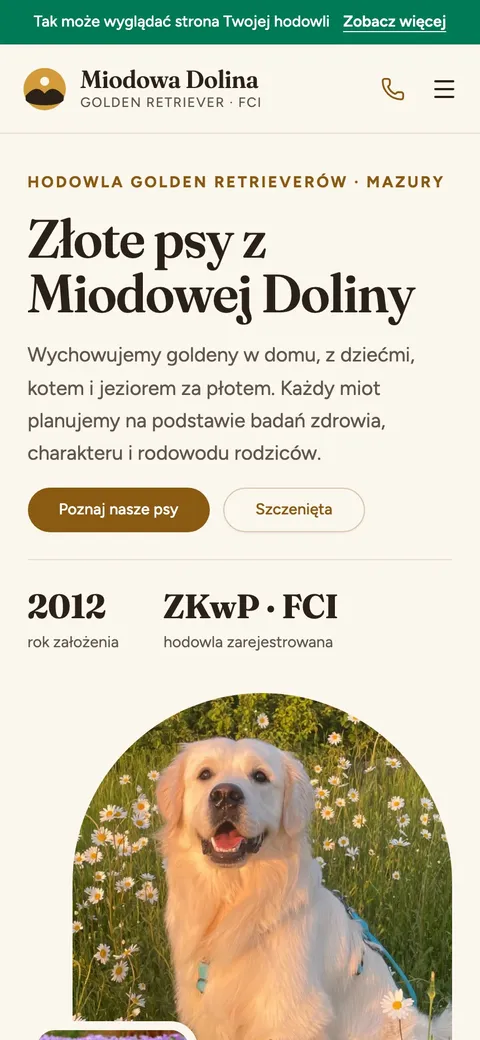
Miodowa Dolina, a sample golden retriever kennel
Dogs with pedigrees, litters with puppies, news and an English version, on the same system you get. Open it on your phone or on a computer.
Your site gets a look of its own, designed just for you.
Open the demo siteThe dogs, litters and posts on the demo site are sample data.
What to see on the demo site
Five places that show how your kennel would look online. Beside each one: what you do in the panel to make it look that way.
Tip: open the demo site on your phone. That is where most of your visitors will look.
- A dog and its pedigreeThe dog’s page, with a gallery, achievements and a three-generation pedigree.In the panel: One form: the description, pedigree, achievements and photos.Open
- A litter with its puppiesThe parents, the date of birth and the puppies with their photos.In the panel: You pick the parents and add the puppies to the litter.Open
- A litter announcementA planned litter, visible before the puppies are born.In the panel: You set the litter’s status to “announced”.Open
- NewsA post from a show, with photos and a date.In the panel: A title, some text, photos and “save”.Open
- The English versionThe PL / EN switch in the site’s header.In the panel: The translation writes itself. You can correct it by hand.Open
How you change it in the panel
Everything you see in the demo kennel, you add in this same panel.
- A dog is one form: the description, the pedigree, the achievements and the whole gallery.
- The English version writes itself — and if you would rather write your own, you switch that off.
- You invite other people into the panel, each with a role of their own.
What you do in the panel
The panel is forms: you type, you drag photos in, you press “save”. Every change is included.
- AnimalsThe description, pedigree, achievements and gallery in one form.
- Litters and announcementsFrom the announcement to puppies with photos of their own.
- PhotosYou drag them in from a computer or a phone. They resize themselves.
- News and articlesShort posts from shows and longer pieces with photos.
- TranslationsThey write themselves. You switch that off when you would rather write your own.
- People and rolesYou invite other people, each with a role of their own.
If you can manage Facebook, you can manage this.
When the site is handed over, we go through the panel together, live, on your own data. The walkthrough is in every package, and six months later you can write to me when you have forgotten where something is.
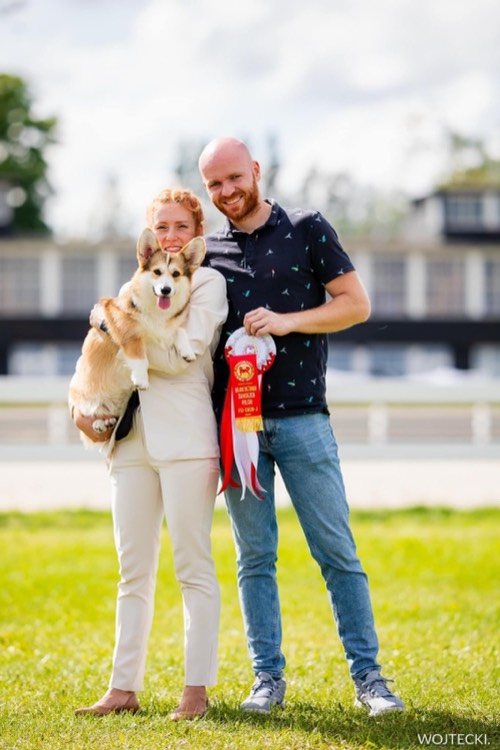
Paweł Neścior, developer and Pembroke Welsh Corgi breeder